Game Console Parts
Console Parts (HDMI, Drives, Power, Fans)
Internal repair parts for PS4 and PS5 consoles – HDMI and Southbridge ICs, laser lenses, optical drives, fans, power supplies, USB boards – plus a Steam Deck screen.
- products
- 30products
Explore Console Parts (HDMI, Drives, Power, Fans)
Popular devices
Top brands
Buying guide
How to choose console parts
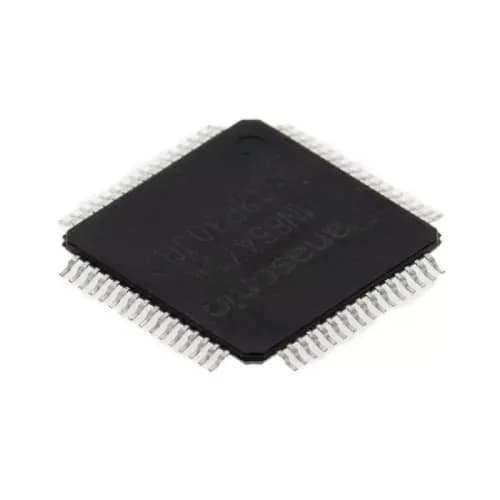
No picture: inspect the HDMI port first, then the HDMI control IC (e.g. MN86471A for PS4, MN864729 for PS4 Slim/Pro).
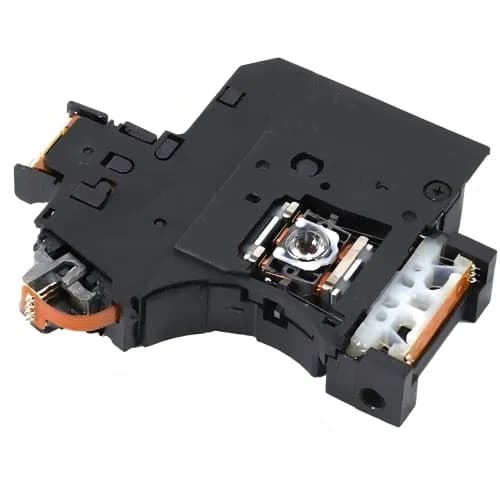
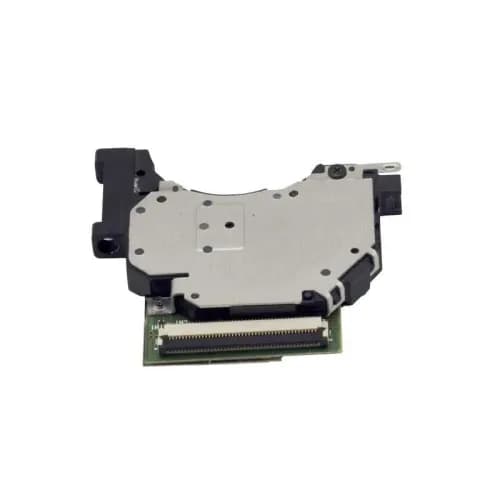
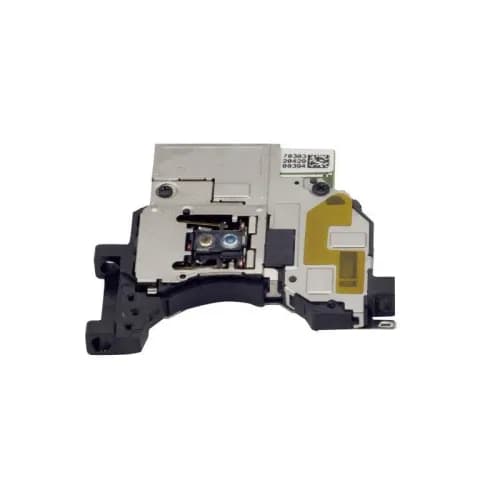
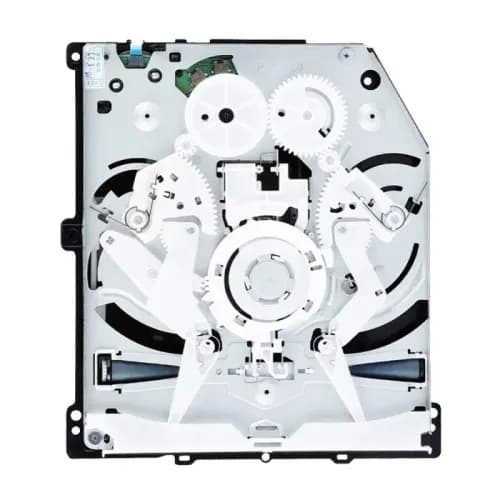
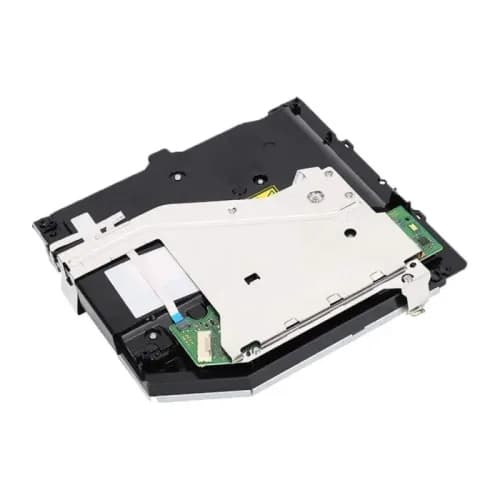
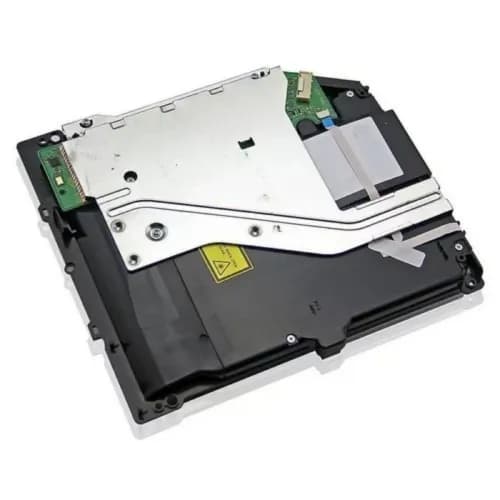
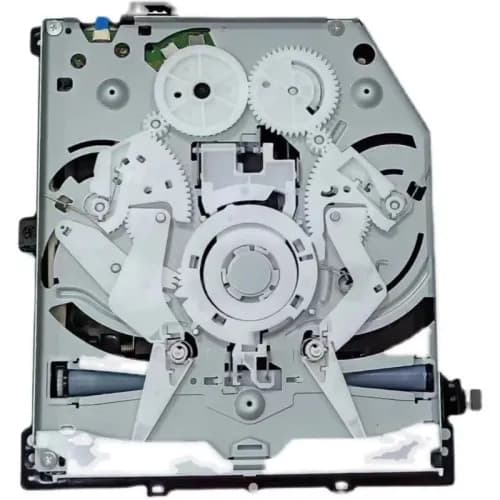
Disc problems: a laser lens (KES-490A, KES-860A, KES-496A) fixes most read errors; a full optical drive assembly replaces worn mechanics.
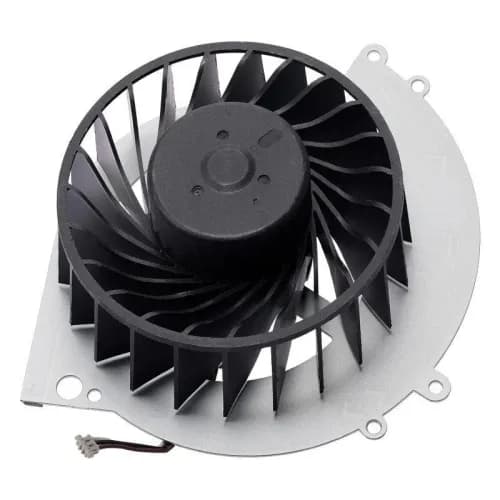
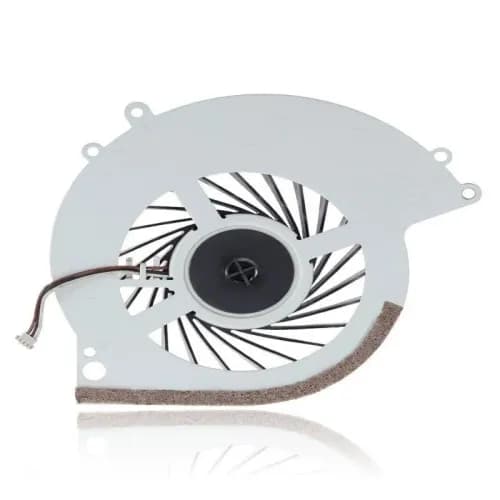
Overheating or noise: replace the fan and renew thermal paste.
CUH model: match the CUH number on the console label.
FAQ
My PS4 has power but no picture – what should I check?
Check the HDMI port for bent pins, then the HDMI control IC. Both are common failures.
Which laser lens fits my PS4?
It depends on the CUH model: KES-490A for CUH-10XX, KES-860A for CUH-11XX and KES-496A for PS4 Slim/Pro, as listed.
Are optical drives new?
The optical drive assemblies are listed as OEM used; see each listing for condition.