Gimbal & Camera Parts
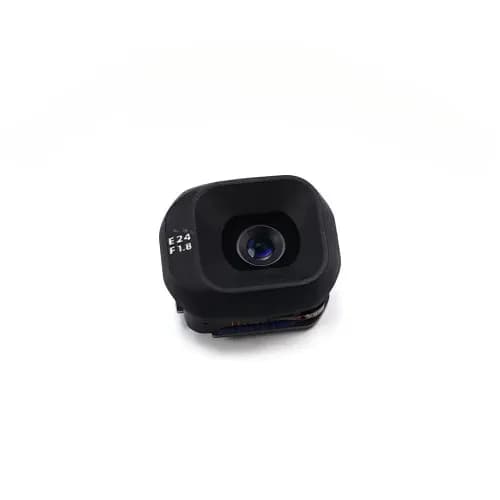
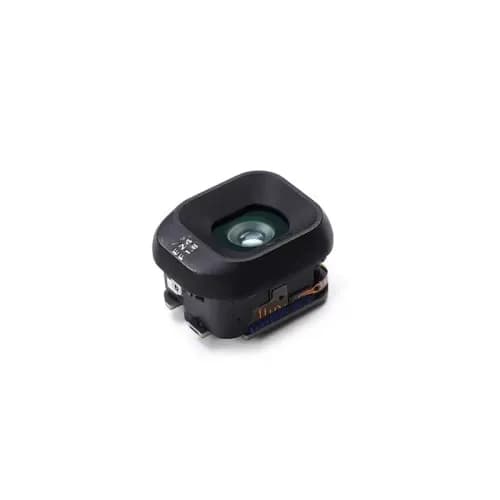
DJI Mini 5 Pro Complete Gimbal Camera with Single Cable
$285.03
from $256.53 at 10+
1 / 5
DJI · SKU DJ11021 · Fits 1 model
$10.50
per unit| Quantity | Unit price | Saving |
|---|---|---|
| $10.50 | ||
| $9.98 | −5% | |
| $9.45 | −10% |
Shipping weight 0.05 kg
Match the model number printed on the device (Settings → About, or on the back) before ordering.
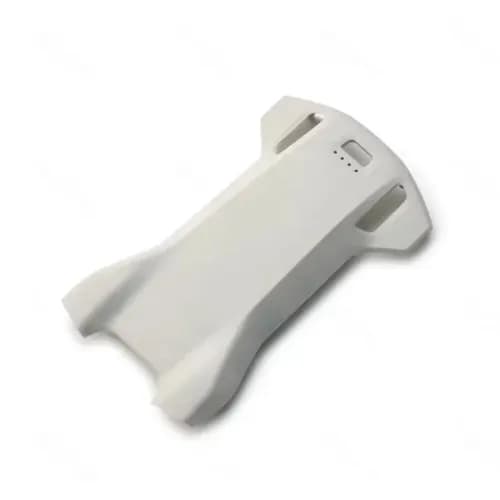
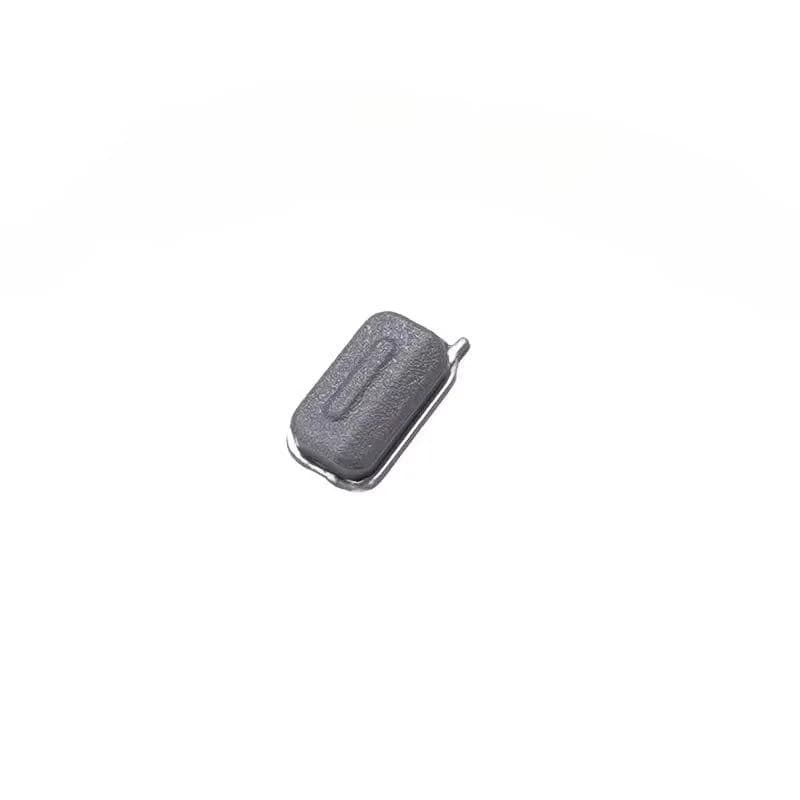
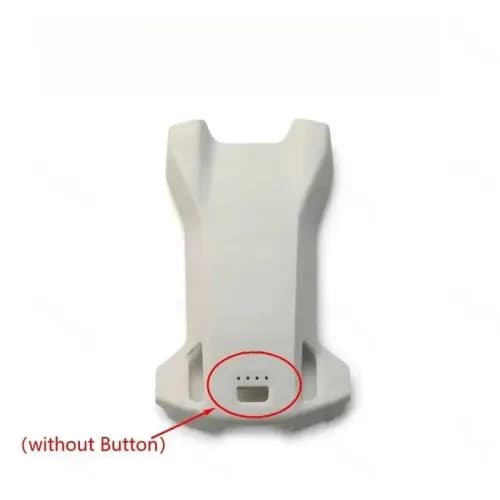
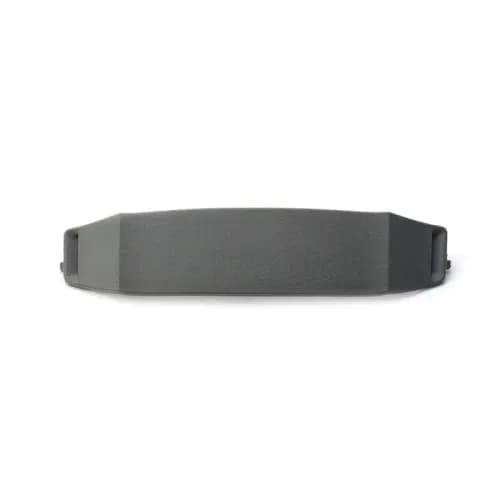
When a takeoff button stops responding, the fault is easy to notice and frustrating to live with: a press that does nothing, a button that sticks down, or one that only works when pushed at an angle. This listing offers a replacement takeoff button for the Mini 5 Pro.
This one-click takeoff button is listed for the DJI Mini 5 Pro. The listing claims factory-level specifications but names no maker, so it's sold as aftermarket.
A button that doesn't respond to presses.
A cap that sticks, feels mushy or has lost its click.
A response that works only some of the time.
A cracked or missing button cap after a knock.
The listing doesn't show where the button sits or how it's fitted, so compare the photos with your drone. Also rule out software first: restart the aircraft, update firmware and confirm the issue isn't a setting in DJI Fly. If the button is fine but the press still isn't registered, the fault may lie elsewhere.
Fitting a small button means opening the housing near it. Work gently, keep track of the tiny screws and avoid pulling on any flex cable. After reassembly, test the button several times while the drone is on the ground before attempting a takeoff.
| Compatible devices | DJI Mini 5 Pro |
|---|---|
| Part type | One-click takeoff button |
| Quality | Aftermarket (DJI origin not stated) |
The listing doesn't state DJI origin, so we sell it as an aftermarket button.
The listing describes the button only.
The listing doesn't say. Compare the photos with your drone.
Gimbal & Camera Parts
$285.03
from $256.53 at 10+





Price from $10.50